How to optimise your Google Business Profile: a guide for Norwich and Norfolk businesses
By James, founder of Brava Digital
In this guide
- What a Google Business Profile does
- Claim and verify it properly
- Choose the right categories
- Service area or address?
- Name, hours, phone and website
- List your services properly
- Photos that actually help
- Posts and updates
- Reviews and replies
- Mistakes that get profiles suspended
- What changes across Norwich and Norfolk
- Common questions
- Where we sit, for transparency
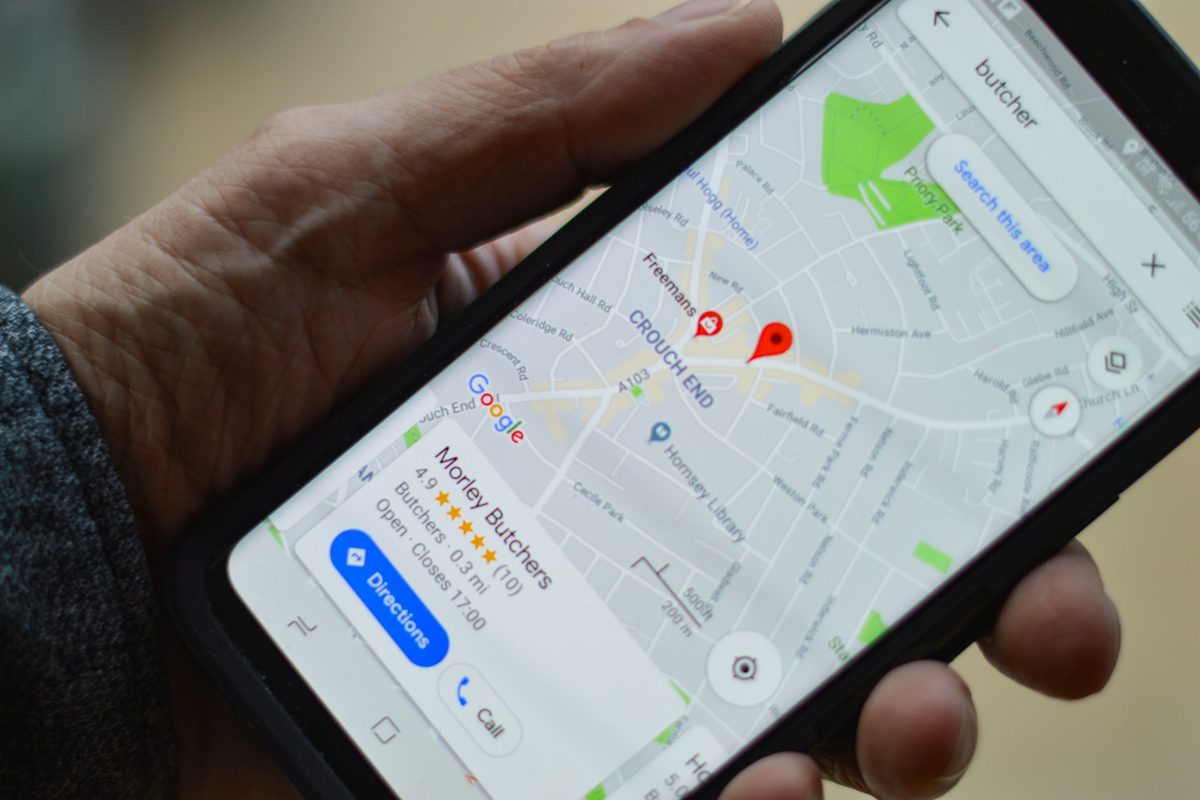
For most local businesses, the Google Business Profile does more work than the website. It is what appears in the map results and on Google Maps, it is where people read your reviews and tap to call, and AI answers increasingly draw on it too. This guide goes through every part of it in order, what to put there, what Google's rules say, and what changes when your customers are spread across Norwich and the rest of Norfolk.
What a Google Business Profile does
Your profile is the panel that appears when someone searches for your business by name, and the listing that appears in the map results when they search for what you do, such as "landscaper Norwich" or "boiler repair near me". It shows your name, category, reviews, hours, photos and a button to call or get directions.
That makes it the first impression for a lot of customers. Plenty of people decide from the map results alone and never visit a website. So a profile that is complete, accurate and active is worth more than almost any other single piece of local marketing, and it is free.
 Photos of real jobs
Claim and verify it properly
Search for your business on Google Maps first. If a listing already exists, perhaps created by Google or by a customer, claim it rather than starting a new one. If none exists, create one at business.google.com.
Google then asks you to verify that you run the business. The method varies, and is often a short video showing your premises, your vehicle or your tools, sometimes a phone call, text or email. Do it straight away: an unverified profile does very little.
If you find two listings for the same business, which is common after a move or a change of name, fix it rather than ignore it. Duplicates split your reviews and confuse Google about which one to show. Ask Google support to merge or remove the extra one.
Choose the right categories
The primary category is the single most important choice on the profile. It should describe what the business is, in Google's own words, such as "Landscaper", "Plumber" or "Massage therapist", not a general term like "Contractor" or "Shop".
You can add up to nine more categories for other things you genuinely do. Add the ones that apply and stop there; adding categories for work you rarely do dilutes the profile rather than helping it. Our guide on why a competitor shows above you goes into the category choice in more detail, including how to see what the businesses ranking above you have chosen.
Service area or address?
This decides how your location is shown, and it is where many Norfolk trades go wrong.
- Customers come to you (a shop, a salon, a café, a clinic): show your address.
- You go to customers (a plumber, a landscaper, a cleaner): hide your address and set a service area instead. Google's guidelines say a business that does not serve customers at its address should hide it.
- Both: show the address and add a service area as well.
For the service area, list the towns and areas you really cover. Google's guidance is that a service area should generally not extend beyond about two hours' drive from where you are based. Listing the whole of Norfolk and Suffolk will not make you appear in every town; it just makes the profile less precise.
Name, hours, phone and website
Name: use your real business name exactly as it appears on your van, your signage and your invoices. Google's rules do not allow extra keywords or place names in the name field, so "Your Business" is right and "Your Business Plumber Norwich Emergency 24/7" is not. Adding keywords is one of the most common reasons profiles get suspended, and competitors can report it.
Hours: keep them accurate, and set special hours for bank holidays and Christmas. Few things lose a customer faster than turning up to a closed door the profile said was open.
Phone and website: use a local or mobile number you actually answer, and link to the page on your site that best matches the profile, usually the homepage. Make sure the name, address and phone number match your website and the directories that list you, exactly. Small differences, such as an old phone number on a directory, make Google less sure which details are right.
List your services properly
The services section lets you list each thing you do, with a short description. Fill it in properly: one entry for each service, in the words customers use, with a sentence or two on what is included.
This helps Google match your profile to more specific searches, and it helps the person reading decide you are the right fit. If you sell products, the products section works the same way. Each service you list here should also have its own page on your website, which is covered in our guide to five SEO jobs you can do yourself.
Photos that actually help
Photos are what people look at first, so use real ones. Good photos for a profile are:
- Finished jobs, ideally with a before and after.
- You and your team, so customers know who will turn up.
- Your van, your premises or your shopfront, so you are easy to recognise.
- Inside your premises, if customers visit you.
Skip stock photos and logos repeated over and over. Add new photos regularly rather than fifty at once, because a profile with recent photos looks like a business that is busy and active.
Posts and updates
Google lets you publish posts on your profile: an offer, an event, a recent job or a seasonal reminder. They are not a major ranking factor, so there is no need to post every day. A short update every week or two, with a real photo, keeps the profile looking active and gives people one more reason to choose you.
Reviews and replies
Reviews matter for two reasons: they are one of the signals Google uses to order the map results, and they are what a customer reads before deciding. Ask every customer, not only the happy ones, and never offer anything in return for a review, which is against Google's rules.
Reply to every review, good and bad. A short, polite reply to a bad review often reassures the next customer more than the review worried them. Our guide on how to get more Google reviews covers how to ask and what to say in detail.
Mistakes that get profiles suspended
Google suspends profiles that break its guidelines, sometimes without warning, and getting one reinstated can take weeks. The common causes:
- Keywords or place names stuffed into the business name.
- A virtual office, PO box or co-working address used as the business address.
- Showing a home address when you do not serve customers there.
- More than one profile for the same business at the same address.
- Reviews that are fake, bought or offered in exchange for a discount.
If you are not sure whether something is allowed, Google's own guidelines for representing your business are the reference, and it is worth reading them once.
What changes across Norwich and Norfolk
Norfolk is large and mostly rural, which changes how the map results behave compared with a city.
Google weighs how close a business is to the person searching. A plumber based in Wymondham, Dereham or Aylsham will usually rank well for searches made nearby, but often will not appear when someone in central Norwich searches "plumber Norwich", however good the profile is. No setting changes that, and a service area that includes Norwich does not override it.
What you can do:
- Make the profile the strongest it can be for the area around you, so you win the searches you are closest to.
- Give each main town you cover a page on your website, with real detail about the work you do there. That helps you appear in the ordinary search results for those towns, which are less tied to distance than the map.
- Use ads for areas you want but are not near. Google Ads are not limited by distance in the same way, so they are the practical route into Norwich for a business based outside it.
For Norwich itself, the map results are crowded and the city is compact, so the businesses that win tend to be the ones with the most complete profiles, the right category and steady reviews. That is exactly the work in this guide.
- Check your hours, including any holidays coming up.
- Add a few new photos of recent work.
- Reply to every new review.
- Ask your recent customers for a review.
- Post one update, such as a recent job or an offer.
- Check that your name, phone and address still match your website and directories.
Common questions
Is a Google Business Profile free?
Yes. Creating, verifying and updating a Google Business Profile costs nothing. Google charges only if you choose to run ads.
Can I have a Google Business Profile without a shop or office?
Yes. If you visit customers rather than having them visit you, set your profile up as a service-area business and hide your address. You still need a real address to verify, but it is not shown publicly.
How long does it take for changes to show?
Small edits such as hours or photos usually appear within a few days, sometimes sooner. Changes to your name, category or address can trigger a review by Google and take longer.
Why does my business not show up in Google Maps for Norwich?
Usually because of distance, a missing or wrong category, or an unverified profile. Google weighs how close a business is to the person searching, so a business based outside the city often will not appear for searches made in the centre. Our guide on why a competitor shows above you covers this in detail.
Where we sit, for transparency
Brava Digital is a Norwich studio, and Google Business Profile work is part of what we sell: it is included in both of our growth plans and in our local SEO work. Everything in this guide is something you can do yourself, and most of it takes an afternoon.
To check how your profile and website look to search engines and AI tools, including your local presence, try our free AI search audit. It takes a couple of minutes.
Want it done for you? The free growth review goes through your Google Business Profile, your website and a couple of local competitors, then tells you what is worth fixing first.
Get a free growth review